
For listing agents & property photographers
An entire listing, staged before your coffee's cold
Upload the whole shoot. NeoStaging sorts every photo, stages the rooms in one consistent style, and gives you a broker-ready disclosure record for each image — without you writing a single prompt or worrying whether it's compliant.
Your first photo is free. No credit card.
Why NeoStaging is different
Every other tool stages one photo. We stage the listing.
With everyone else it's upload one image, pick a style, write a prompt — then repeat it twenty-nine more times, hoping the rooms end up looking like the same house. NeoStaging takes the entire shoot at once, works out what each photo is, and stages it all in one locked style. What used to be an evening is now a coffee break.
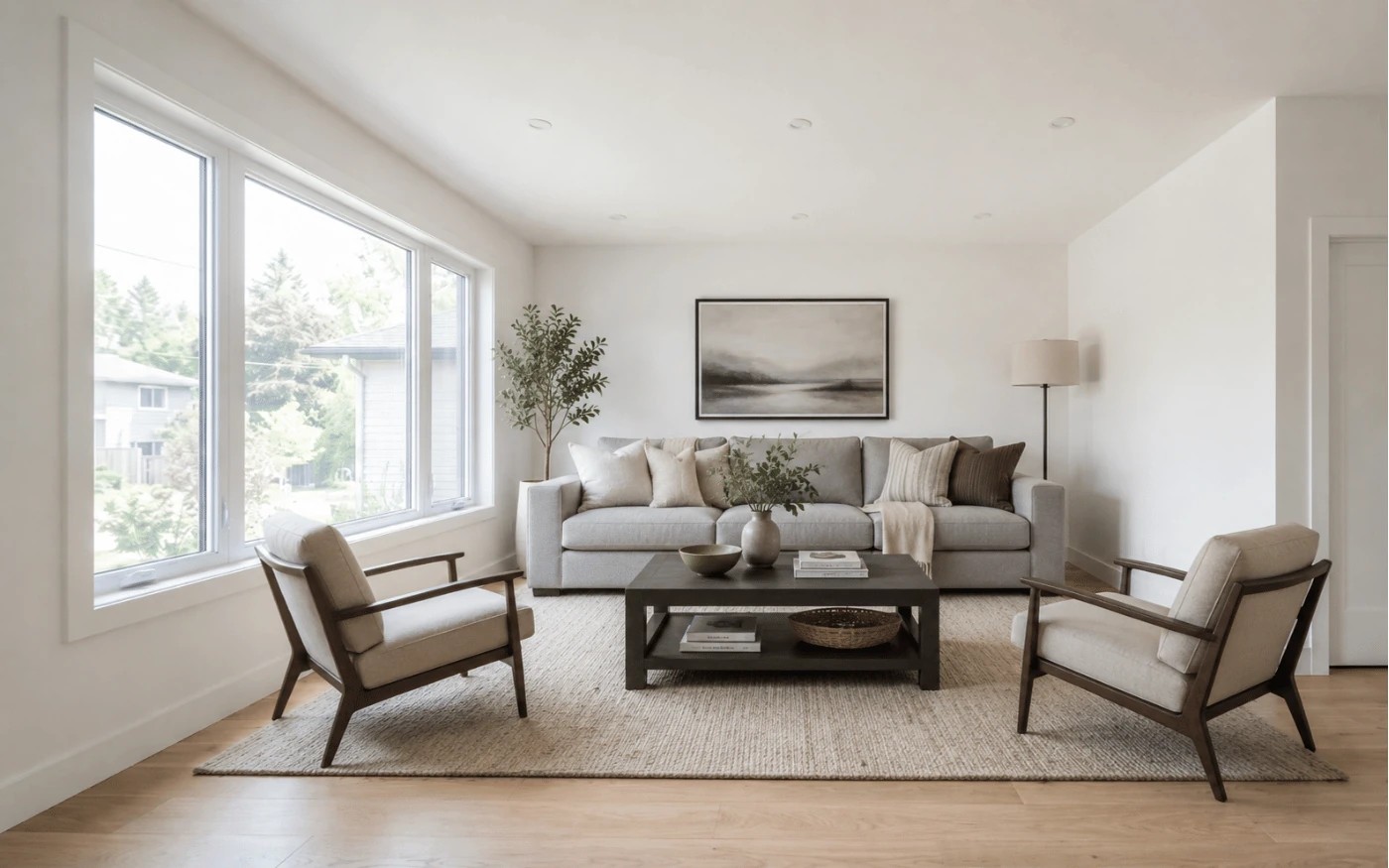
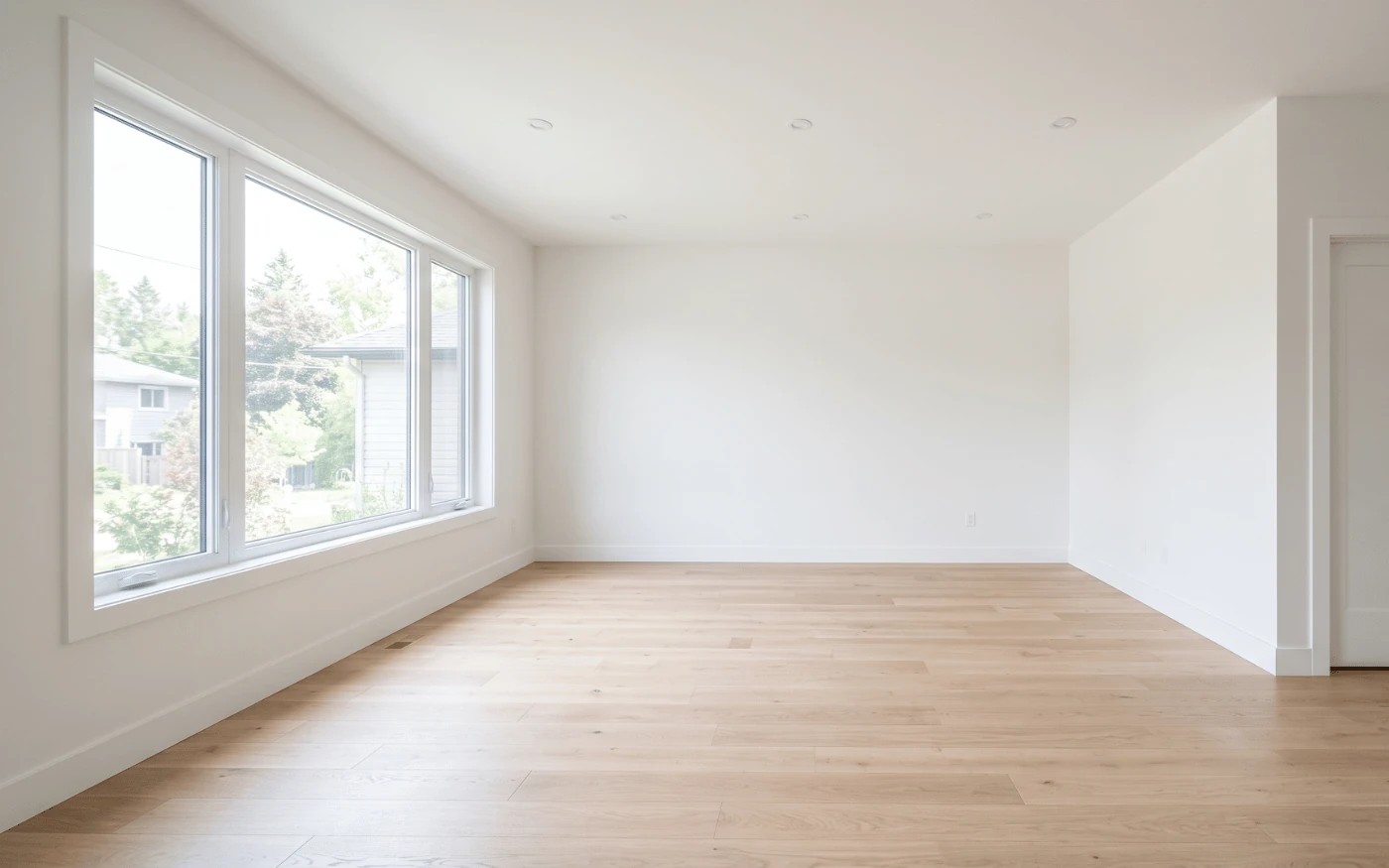
Empty room · Living room
→ Add furniture
Empty room · Bedroom
→ Add furniture
Furnished · Kitchen
→ Replace the furniture
Exterior — front
→ Day to dusk
Exterior — back
→ Green up the lawn
Floor plan
→ Skipped — we never touch these
You review what we picked and approve it — you never write a prompt. Floor plans are skipped automatically, because staging one would be misrepresentation. That's the difference between a tool that makes images and one that understands a listing.
One subscription, every edit
Eight ways to make a listing look its best
Interiors and exteriors, in one place. Every edit below is included in every plan — there's no feature ladder, and none of it is a roadmap promise. It's all running today.
Add furniture
Turn a cold empty room into a home buyers can picture themselves in.
Replace the furniture
Swap dated or cluttered furnishings for a look that sells.
Remove all furniture
Clear a busy room back to clean, show-ready walls.
Remove an object
Circle the bin, the car, the clutter — and it's gone.
Replace the sky
Trade a grey overcast day for a clean, inviting blue sky.
Day to dusk
Turn a flat midday exterior into a warm twilight hero shot.
Green up the lawn
Give patchy, tired grass the healthy kerb appeal buyers notice.
Improve lighting & colour
Fix exposure and white balance — a truthful photo, at its best.
NeoStaging vs. the usual virtual staging tool
The same job, without the parts you dread
Most tools hand you an image and walk away. Here's where a listing actually gets won or lost.
Every row above is something NeoStaging does today — not a roadmap. Try it on one of your own photos and see.
MLS compliance
The only virtual staging that proves it didn't touch the property
Virtual staging is legal. Misrepresenting a property is not. The line between them is whether you altered the furniture or the property — and NeoStaging is built to keep you on the right side of it, automatically.
So we check. Every staged image is compared against your original before you see it. If a render moves a wall, hides a crack, alters a window, or changes the structure, it is rejected automatically — and you are told why.
What you download is a disclosure packet: a manifest of every alteration, per image, with a hash of the original. Hand it to your broker. That is the point.
Read how it worksDisclosure record — extract
- Image
- living-room-01.jpg
- Alteration
- Furniture added (virtual staging)
- Property altered
- No
- Structure verified
- Walls, windows, floor — unchanged
- Original hash
- a3f9…7c21
- Compliance gate
- Passed
Straightforward pricing
Monthly photo credits. Touching up a photo you have already staged is free, always.
Enterprise
For teams, brokerages & photographers
$165/mo
Billed as $1980 yearly
150 photos a month
$1.10 / photo
DetailsEvery plan includes every feature. The only difference is how many photos you can stage.
Questions
See your own listing staged in the next five minutes
Upload one photo, pick a style, watch it happen. Your first one is free — no credit card, no catch.
Stage a photo free